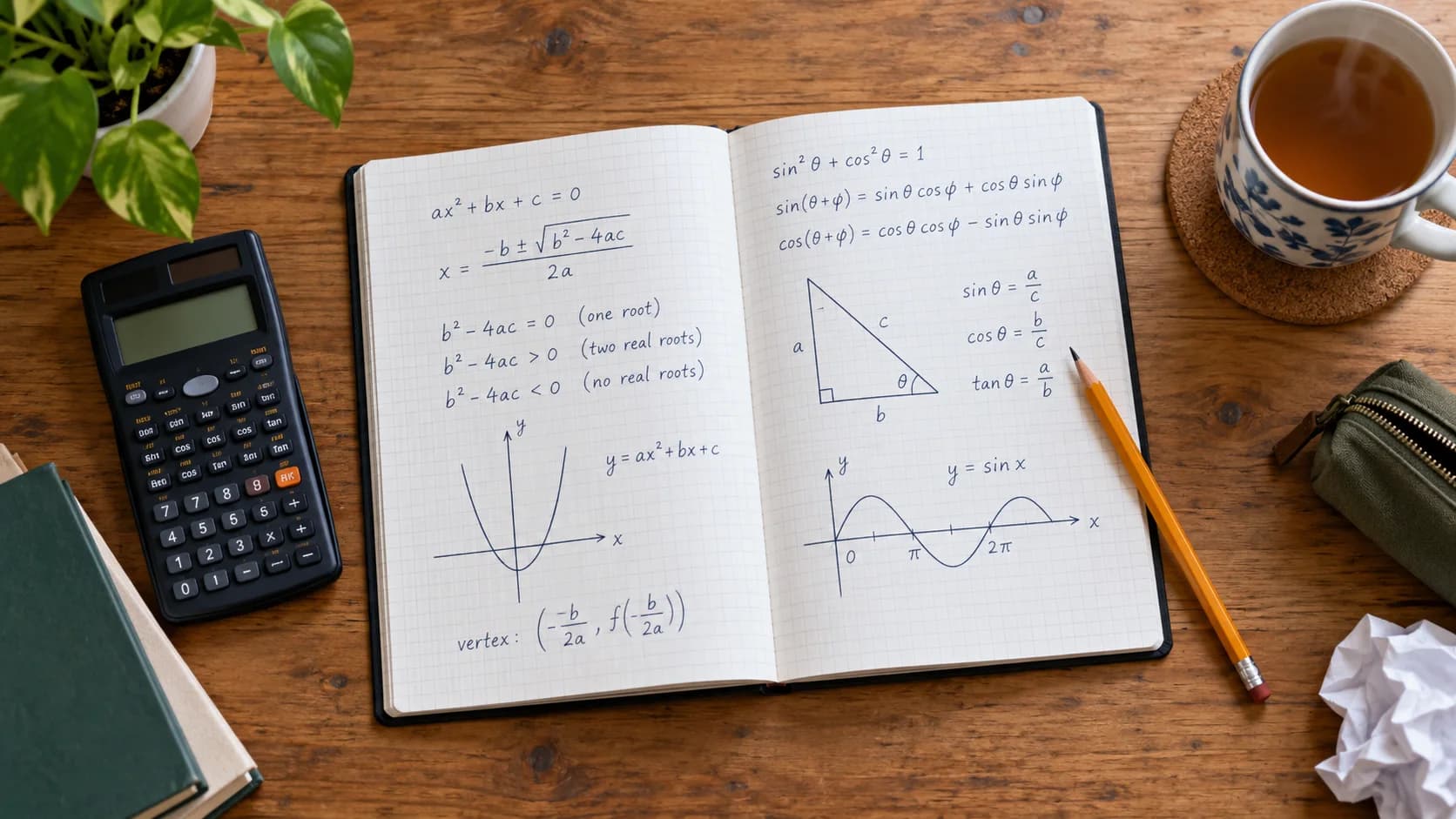
This post exists to show everything the Augment blog can display. Each section uses one format from the editor, so you can check how it looks, how it reads on a phone, and how it behaves for screen readers. Read it top to bottom, or jump around with the contents.
Text styles
Body text is set in a serif for comfortable long reading. Inside a paragraph you can use bold, italic, underline, strikethrough, inline code, and links to other pages or other sites. Chemistry and footnote-style notation work too: H2O, E = mc2, and the 1st of May.
Highlighter pens come in four colours: yellow for key terms, green for correct steps, blue for definitions and pink for common mistakes. Typography is automatic as you type: straight quotes turn into “curly” ones and two hyphens into a dash — like that.
Alignment
A centred paragraph, useful for a short standalone line.
A right-aligned paragraph, for a sign-off or attribution.
A justified paragraph spreads its words so both edges line up. It suits dense, formal blocks of prose more than casual writing, and is best kept for longer paragraphs where the gaps between words stay even.
Heading levels
Posts use three heading levels. The post title is the only H1 on the page, which is what search engines expect.
A fourth-level heading
Small headings group a few paragraphs inside a section. Every heading gets an anchor link; hover one to copy a link straight to it.
Lists
Bulleted lists for things in no particular order:
Active recall: testing yourself instead of rereading
Spaced repetition: reviewing just before you forget
Short gaps at first
Longer gaps as the memory strengthens
Interleaving: mixing topics within one session
Numbered lists for steps that happen in order:
Read the question twice and underline the command term.
Write down what you know, with units.
Choose a method and show every step.
Check the answer is reasonable, then move on.
And checklists for things to tick off:
- Done:
Download the formula booklet
- Done:
Finish two past papers under timed conditions
- To do:
Review every question marked wrong
- To do:
Sleep eight hours the night before
Quotes and callouts
The more effort you put into retrieving a memory, the better you remember it later. Easy studying feels productive; desirable difficulty actually is.
A pull quote lifts one line out of the article to catch a skimming reader:
You don’t rise to the level of your goals. You fall to the level of your revision system.
Callouts box off information that stands apart from the main text. There are four tones:
Images
Images upload straight from the editor, are resized and converted to WebP, and are served in the best size for each screen. Every image has alt text, and captions are optional. They come in three widths. This one fills the reading column:
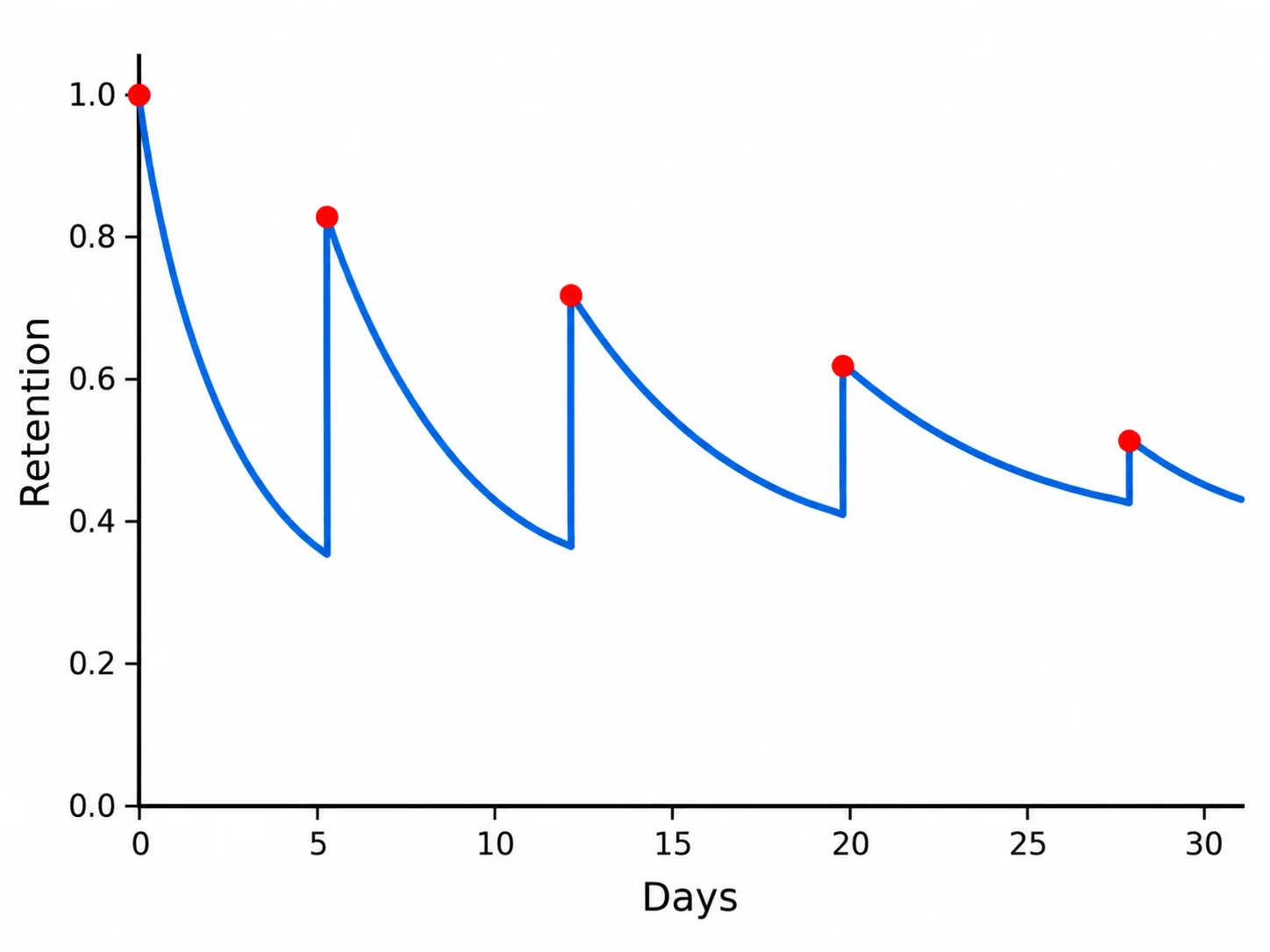
Wide images break out of the column for more impact:

And full-width images span the whole screen, for moments that need room to breathe:

Graphs
Type functions of x and set the axes; the graph is drawn on the server, sharp at any size and in the theme’s colours. Curves break at asymptotes.
- y = x² − 2x − 3
- y = 1/x
Video
Paste a YouTube, Vimeo or Loom link to embed a video. To keep pages fast and private, the player only loads when a reader presses play.
 YouTube
Maths
Formulas are written in LaTeX and typeset with KaTeX, so they stay crisp at any size and are readable by screen readers. Inline maths sits in a sentence, like the quadratic formula or Euler’s identity . Display equations get a line of their own:
Tables
Tables have a header row, can merge cells, and scroll sideways on small screens rather than squashing.
Paper | Calculator | Length (SL) | Weight (SL) |
|---|---|---|---|
Paper 1 | No | 90 minutes | 40% |
Paper 2 | Yes | 90 minutes | 40% |
Internal Assessment | 15–20 pages | 20% | |
Code
Code blocks are highlighted by language and have a copy button. Useful for computer science, or for anyone automating their revision:
from datetime import date, timedelta

def next_review(last: date, interval_days: int, remembered: bool) -> tuple[date, int]:
    """Schedule the next review of a flashcard (a simple spaced-repetition rule)."""
    interval = interval_days * 2 if remembered else 1
    return last + timedelta(days=interval), interval

print(next_review(date(2026, 5, 1), 4, remembered=True)) # (2026-05-09, 8)// Days until the first IB exam
const exam = new Date('2026-05-04')
const days = Math.ceil((exam - Date.now()) / 86_400_000)
console.log(`${days} days to go`)Toggles
Toggles hide content until a reader opens it: perfect for worked solutions, so students can try first.
Show the worked solution
Differentiate term by term to get . Setting it to zero gives , the x-coordinate of the minimum.
Why does this work?
At a turning point the gradient of the curve is zero, and the derivative is the gradient function.
That’s everything. Writers can reach all of these from the toolbar, by typing / at the start of a line, or with Markdown shortcuts such as ## for a heading. Read more on the blog or start revising with Augment.